1
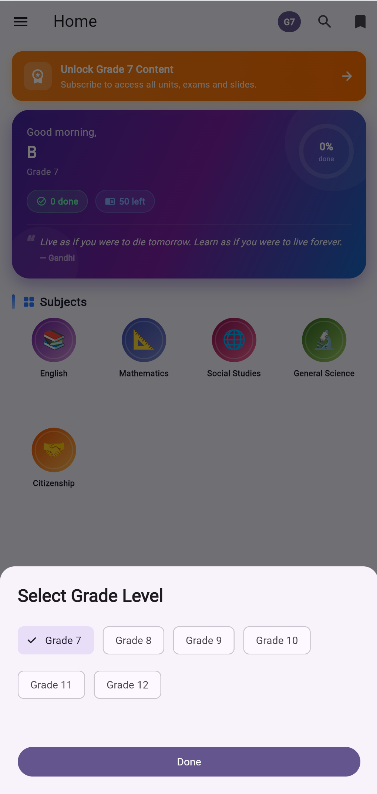
Select Your Grade
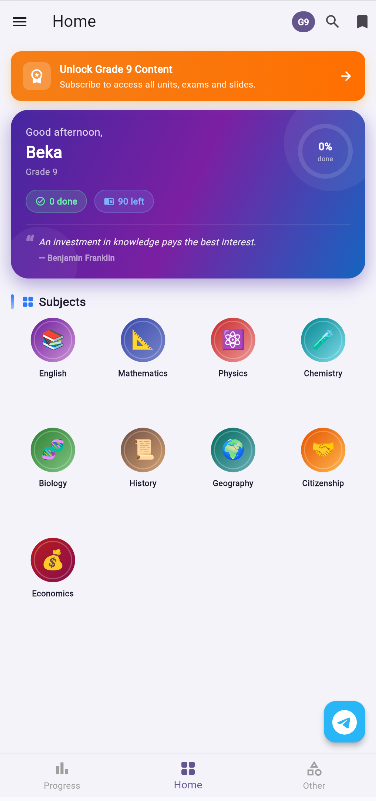
- Start by selecting your Grade Level (7-12) and Stream (Natural or Social for grades 11-12) from the home screen or profile.
- This ensures that the content, quizzes, and exams are perfectly tailored to your academic needs.
2
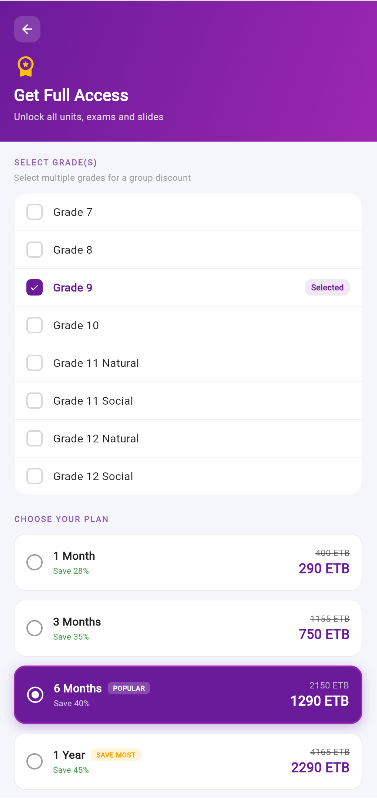
Unlocking Full Content
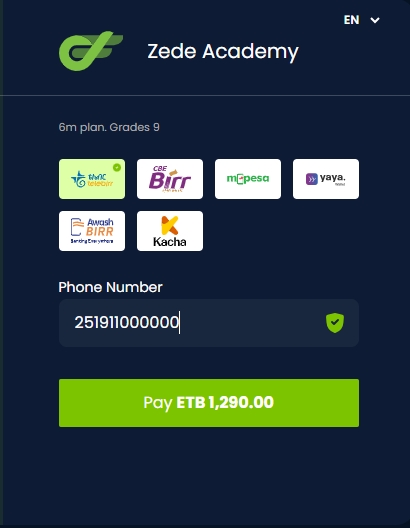
- To unlock contents after Topic 1.1, you need to subscribe.
- You can easily pay using Telebirr, CBE Birr, or M-Pesa directly through the app.
- Once purchased, your subscription is instantly activated.
✅
Voucher codes can also be redeemed to instantly unlock content!
3
Access Offline Content
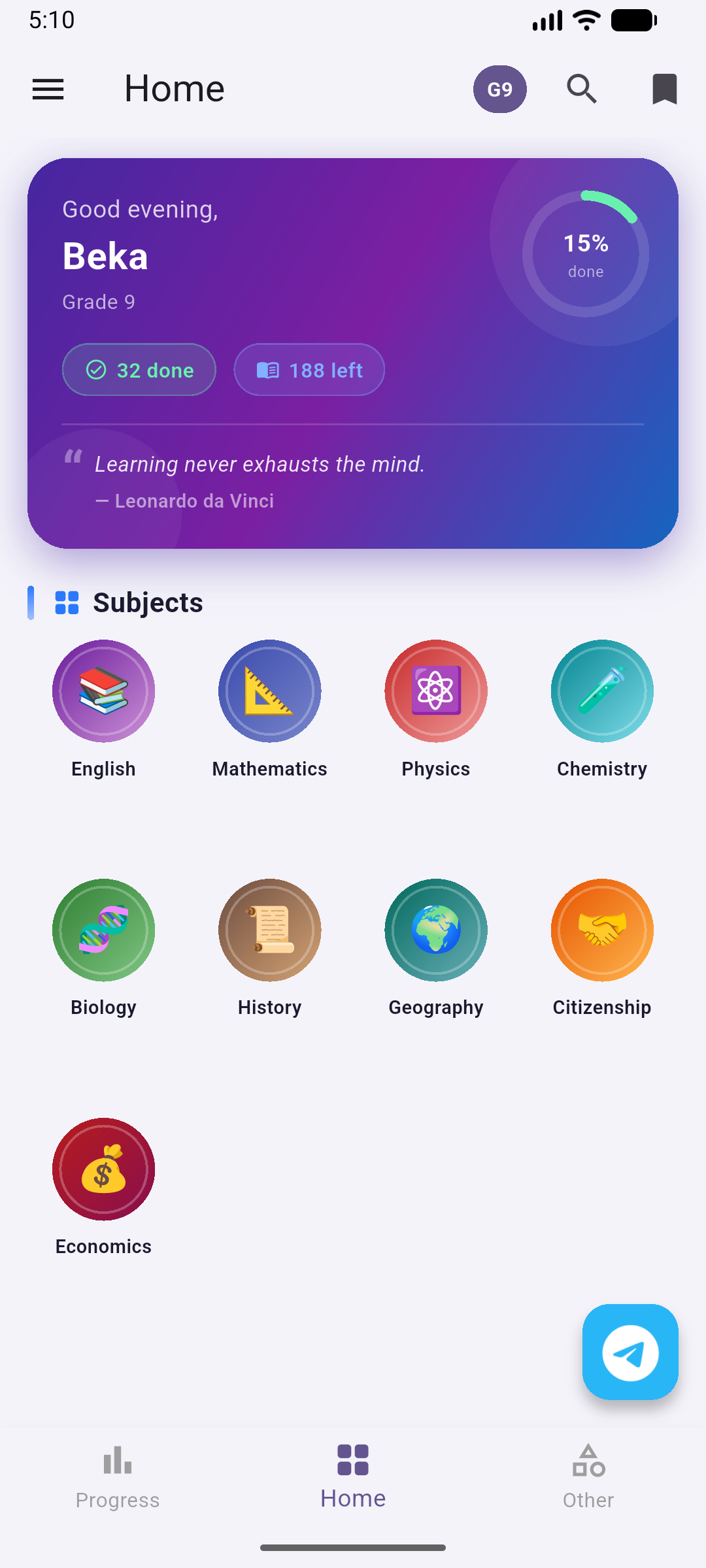
- Zede Academy is designed to work completely offline!
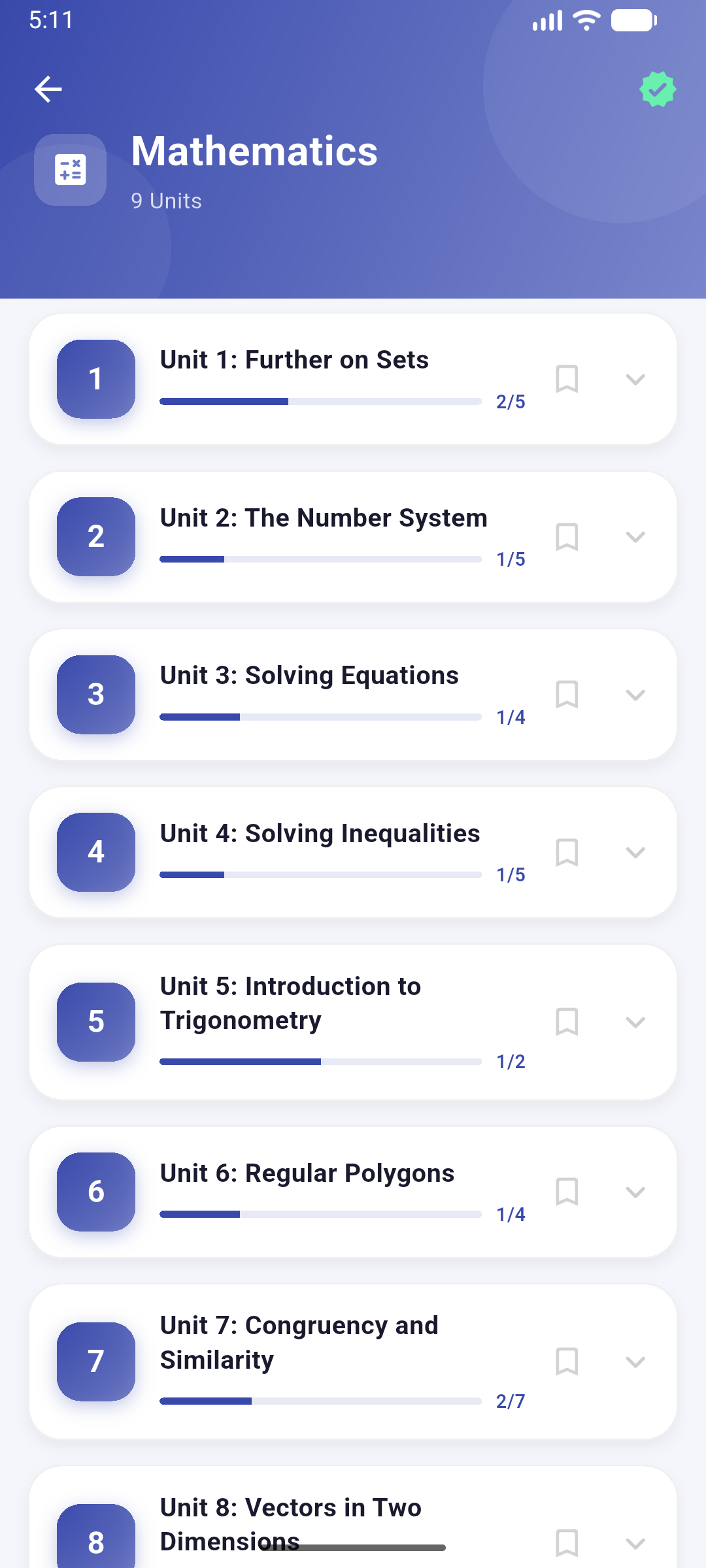
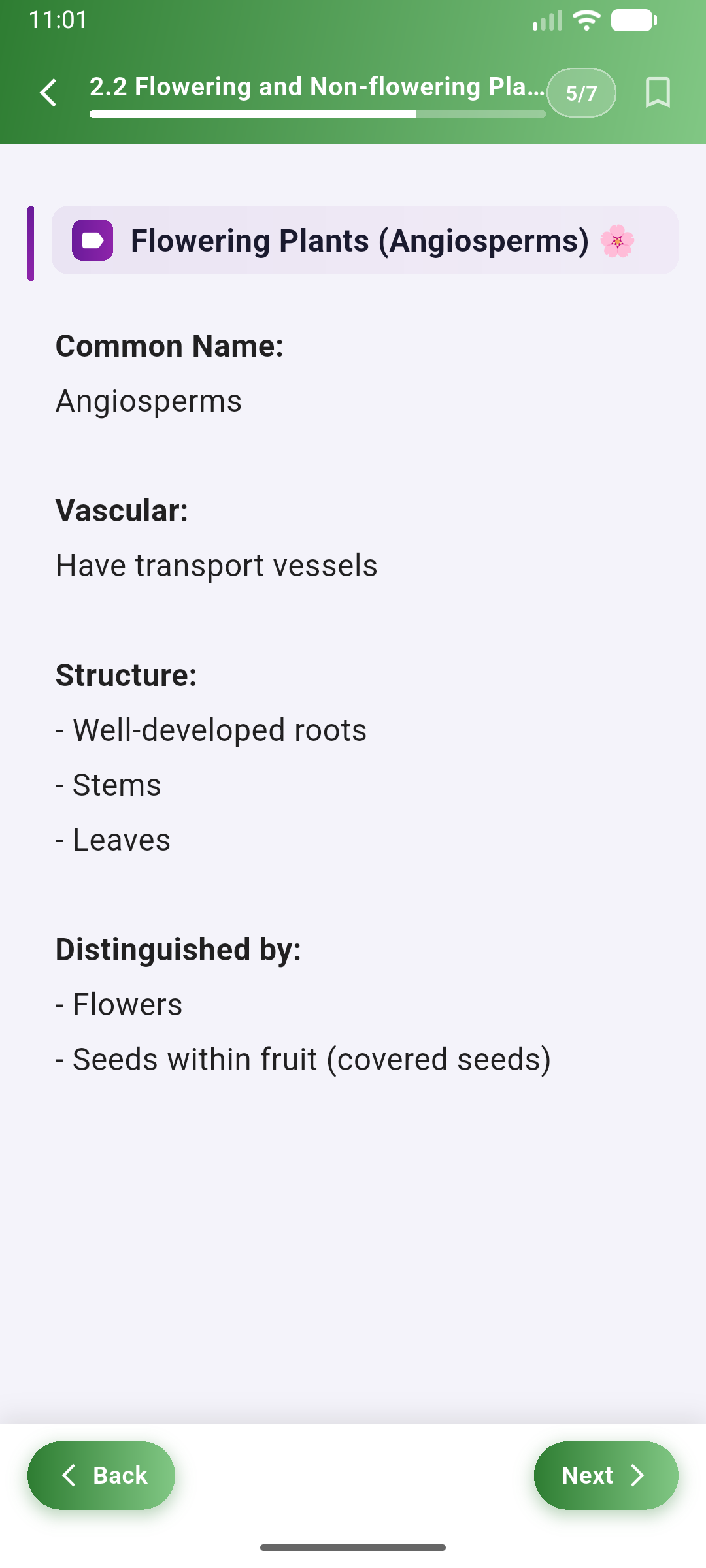
- Navigate to the "Home" tab, choose a subject, and tap on any unit.
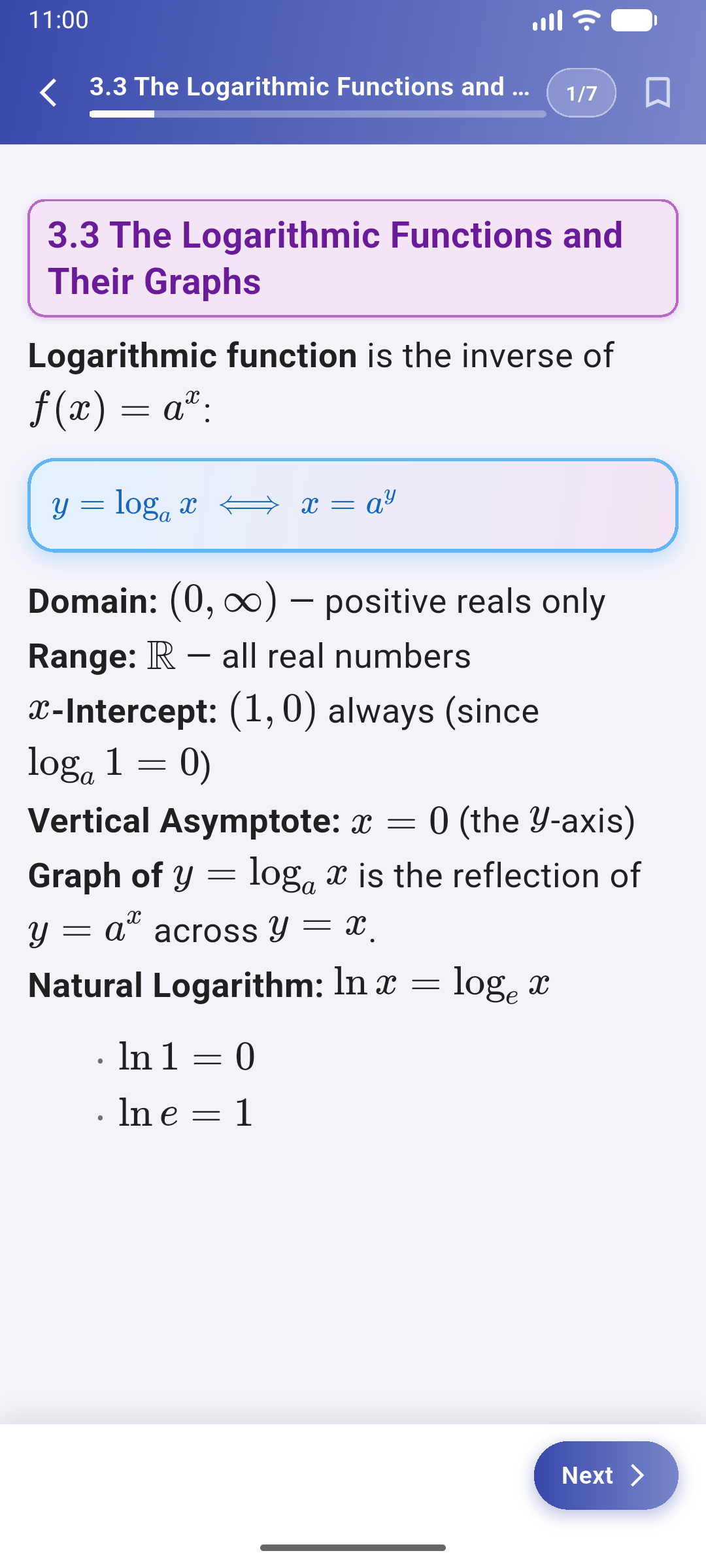
- The notes and quizzes are built-in securely, so you can study anytime, anywhere without using your mobile data.
4
Take Quizzes and Exams
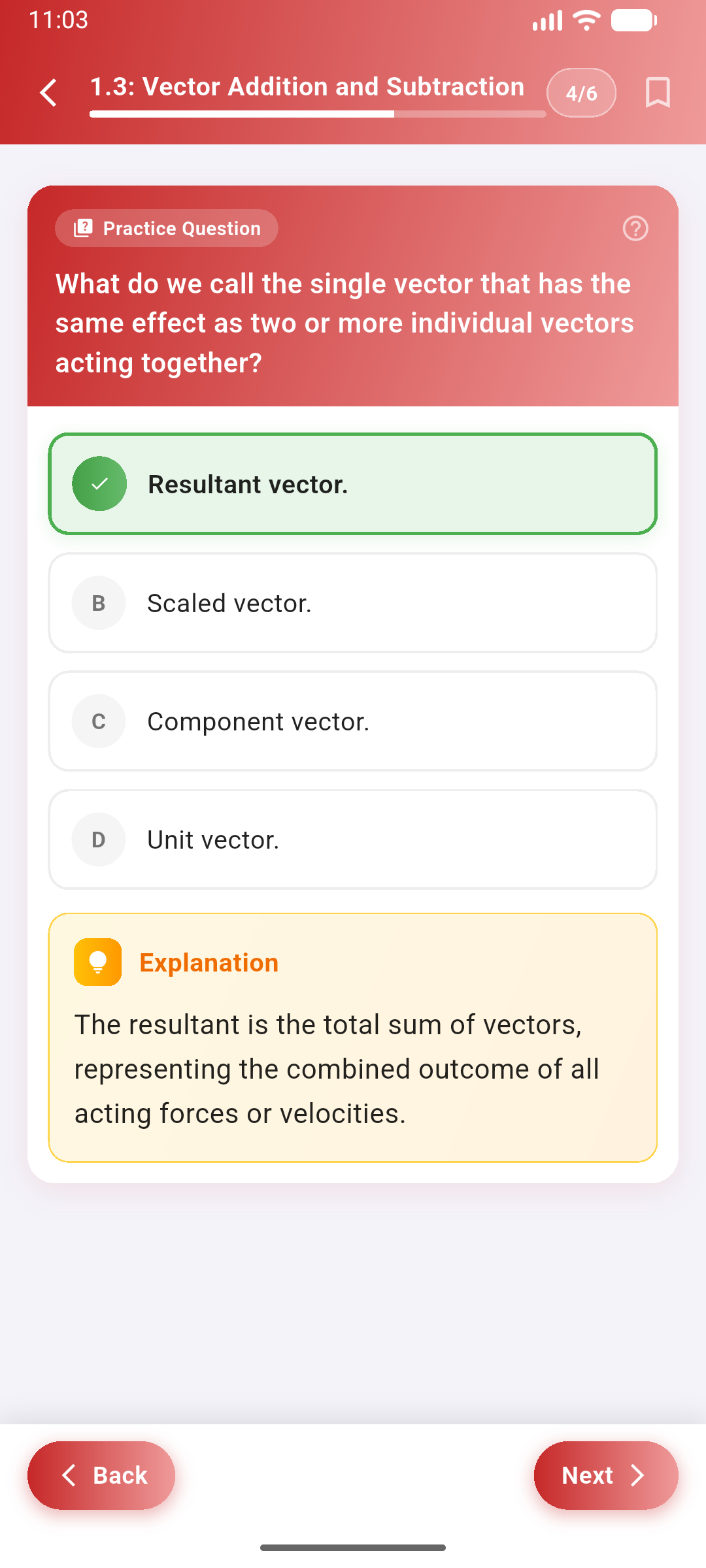
- After reviewing the notes for a topic, test your knowledge by taking the topic quiz.
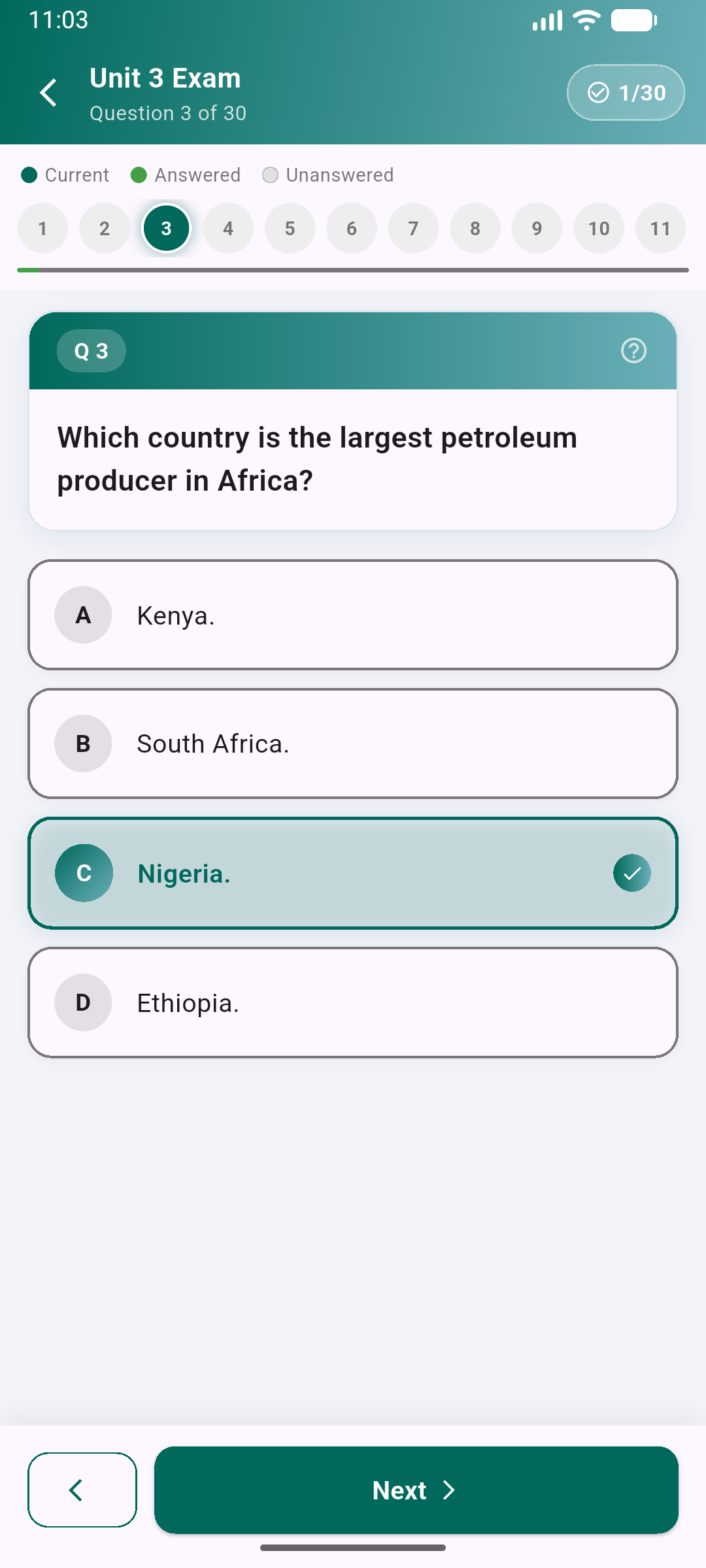
- For a bigger challenge, take the complete Unit Exam.
💡
Each question includes detailed explanations to help you learn from any mistakes you
make.
5
Track Your Progress
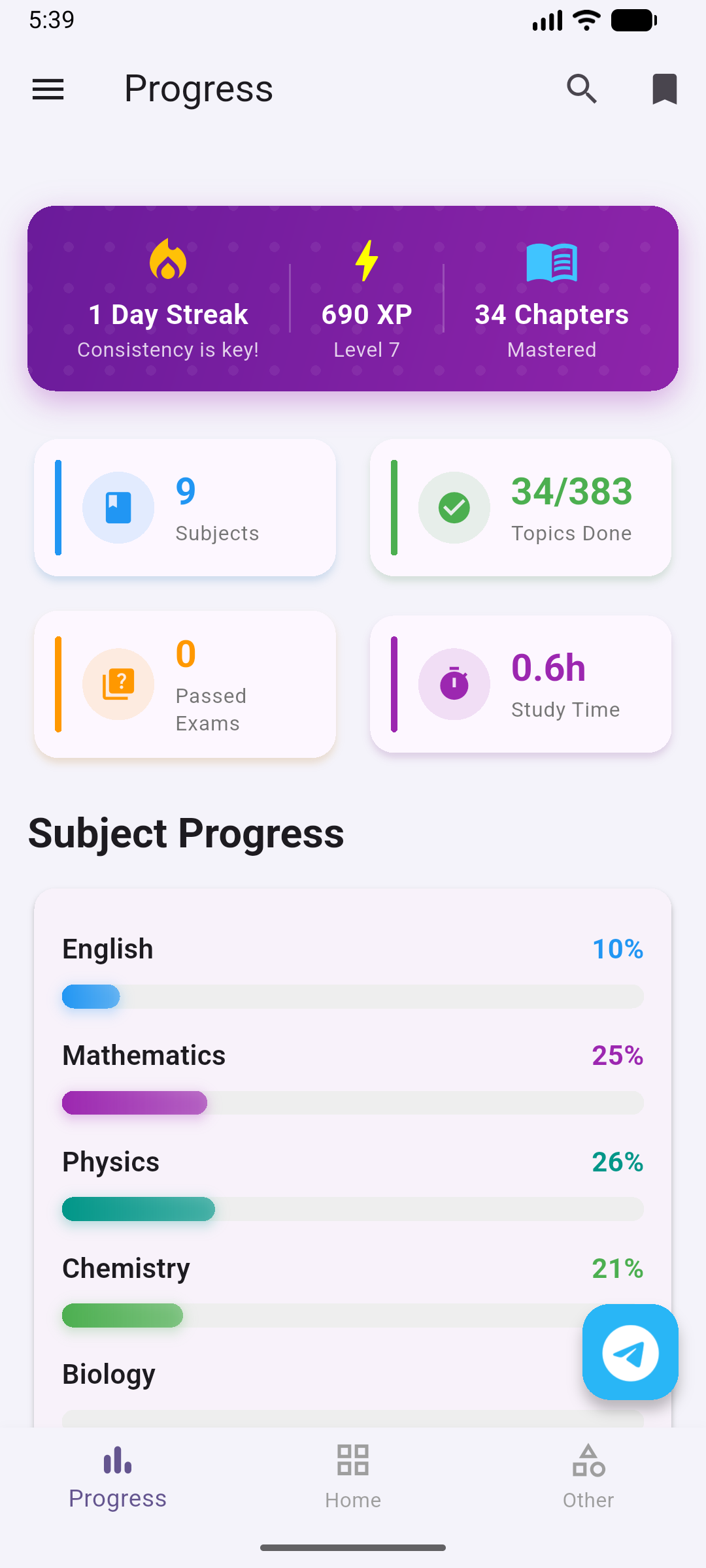
- Your quiz scores, study time, and earned XP are automatically tracked.
- Check your Profile or the Progress tab to see your Exam History, identify your weak points, and watch yourself improve over time.
🔄
If your progress for a grade is more than 20% complete, it is automatically backed up. You can request to restore your progress when you change your device or reinstall the app.
6
Scrolling Elements
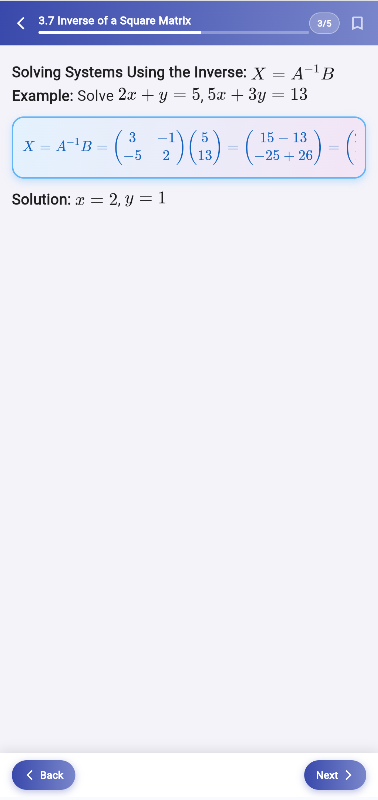
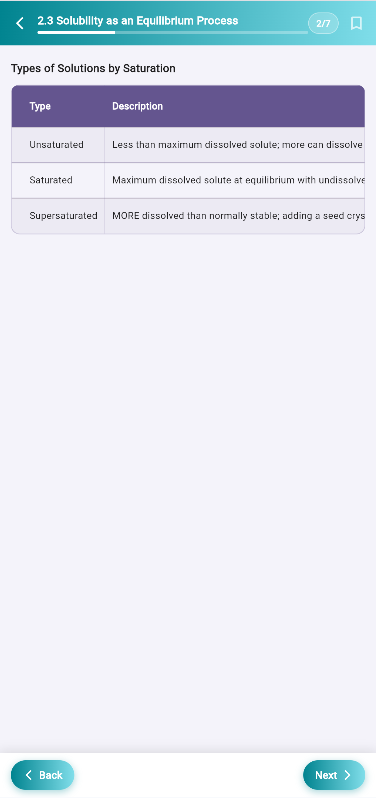
- If a mathematical formula or a data table looks like it is cut off, simply swipe left or right on it!
- Wide formulas and tables are scrollable to ensure they fit correctly and are fully legible on any screen size.
7
Bookmarking Important Topics
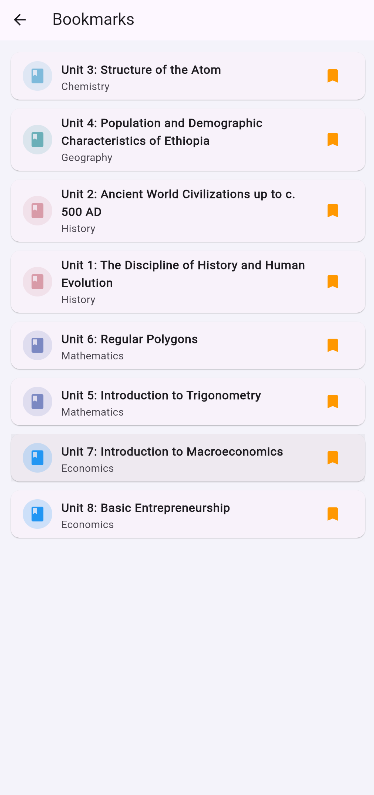
- Found a difficult concept or a complex formula you need to memorize? Tap the bookmark icon while reading.
- You can quickly access all your saved items later from the Bookmarks section on the home screen.